Fix Drone Video Feed Cutting Out Behind Trees: Step-by-Step Guide
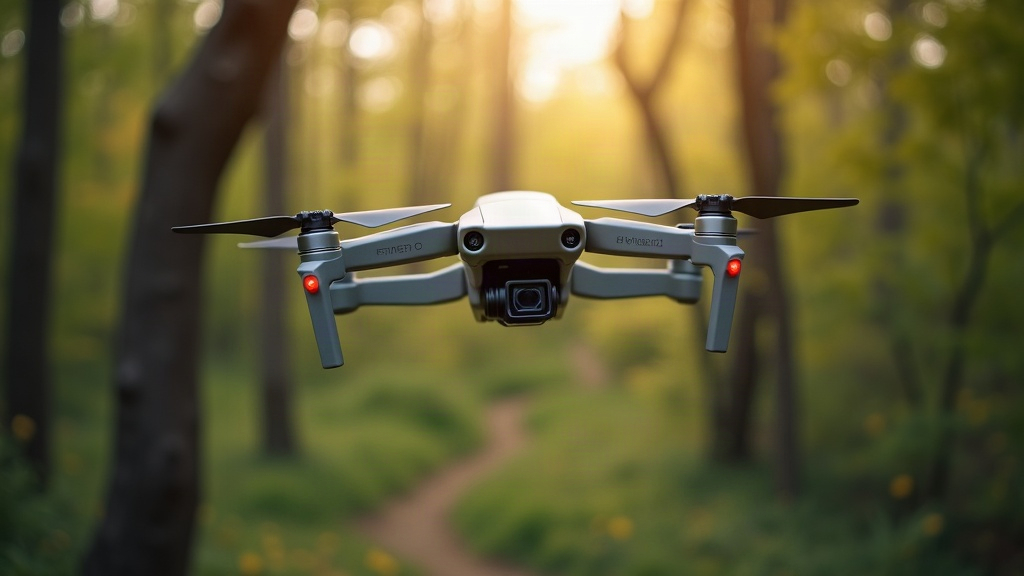
If your drone feed cuts out, freezes, or turns to static every time you duck behind a tree line, don’t panic and don’t assume your drone is broken. Nine times out of ten, it’s a simple line-of-sight problem made worse by environmental interference. Here’s exactly why it happens and how to fix it, step by step, so you can fly near wooded areas without constantly losing your picture.
Why Trees Break Your Drone’s Video Signal
Drone video transmission, whether analog FPV or digital systems like DJI O3/O4, Avata, or HDZero, depends on radio frequency (RF) signals traveling in a straight line between the aircraft and your controller or goggles. Trees mess with that signal in three specific ways:
- Physical obstruction: Dense foliage, trunks, and branches block or scatter RF waves outright. This hits 5.8GHz systems especially hard, since those frequencies behave almost like visible light. Point a flashlight at a tree and see how far the beam gets.
- Signal absorption: Leaves and wet wood are full of water, and water absorbs RF energy like a sponge. That’s exactly why things get noticeably worse after a rainstorm or when you’re flying through a humid forest in August.
- Multipath reflection: Signals bounce off trunks and branches, creating echoes that confuse your receiver. This causes stutter or pixelation even when the drone technically isn’t hidden, just partially shadowed.
Step 1: Confirm It’s a Line-of-Sight Issue
Don’t start fiddling with settings yet. Run a quick test first to isolate the real cause:
- Fly the drone out to the same distance in open air, away from any trees. If the feed stays clean, you’re looking at an obstruction problem, not a range or hardware fault.
- Compare flying behind one thin tree versus a dense tree line. If the dropout is instant behind thick foliage but barely noticeable behind a single trunk, that confirms foliage density is the real culprit.
- Check whether dropout lines up with altitude changes. Climbing just a few feet to clear the treetops often brings the signal back instantly, almost like flipping a switch.
Step 2: Reposition Your Antennas and Controller
- Raise your controller or goggles antenna using a tripod or monopod. Even 3-4 feet of extra height cuts down on ground and foliage obstruction more than you’d expect.
- Don’t stand directly behind a big tree or your car. Your own body, and whatever’s nearby, adds to the blockage.
- Use patch or directional antennas on the controller, aimed toward the drone’s flight path, and keep omnidirectional antennas on the aircraft itself so it stays covered no matter which way it’s facing.
- On DJI aircraft, double-check the drone’s antennas aren’t blocked by the landing gear or your own hand. Sometimes just yawing the aircraft so its antennas face the controller clears things right up.
Step 3: Adjust Flight Path and Altitude
- Climb above the canopy before pushing forward whenever you can. A clean line of sight above roughly 60-80 feet (where it’s legal to fly that high) usually kills the problem completely.
- Don’t fly directly behind trunks. Shift a little to the side, where the canopy tends to be thinner.
- Follow the edge of the tree line instead of cutting through it. Skirting the perimeter keeps more of your flight path in open air.
Step 4: Optimize Your Transmission Settings
- Drop to a lower video bitrate or resolution temporarily. Lower bitrate streams tolerate partial obstruction far better than a high-bitrate 4K feed, which falls apart at the first sign of interference.
- On digital systems, switch to “Auto” or “Low Latency” mode instead of a fixed high-quality setting. These modes adapt on the fly when signal strength dips.
- Update firmware on both the drone and the controller. Manufacturers push out patches regularly that improve how the system handles obstructed environments, and it’s a five-minute fix a lot of pilots skip.
Step 5: Reduce Interference From Other Sources
Trees are rarely the whole story. Nearby RF noise piles on top of the problem:
- Turn off, or just walk away from, Wi-Fi routers, other 5.8GHz drones, or Bluetooth gadgets.
- Flying near power lines or cell towers? Expect a higher noise floor, which makes dropout near obstructions noticeably worse.
- If your system allows it, manually switch channels or frequency bands to find cleaner air.
When to Consider Hardware Upgrades
Still getting dropout after all that? Time to look at the hardware itself:
- Upgrade to higher-gain antennas (patch antennas on the controller, extended-range omni antennas on the drone).
- Look into a signal booster or range extender module compatible with your specific system.
- For forestry work, inspections, or search-and-rescue missions, invest in drones built with dedicated long-range digital systems designed specifically for obstructed terrain.
Quick Checklist
- Test signal in open air first to confirm it’s obstruction-related
- Raise controller antenna height
- Climb above canopy when possible
- Avoid flying directly behind trunks
- Lower video bitrate/resolution
- Update firmware
- Reduce nearby RF interference
- Upgrade antennas if problem persists
Conclusion
Losing your feed behind trees isn’t a glitch, it’s basic physics. RF signals just can’t push cleanly through dense, wet foliage, no matter how expensive your drone is. Reposition your antennas, keep your flight path in line of sight, ease up on transmission demands, and cut down on nearby interference, and most pilots can wipe out dropout almost completely. Still fighting it after trying all that? A targeted hardware upgrade for range and signal strength is your next move.