Fixing ESC Desync on 4-Inch Long Range Micro Quads for Good
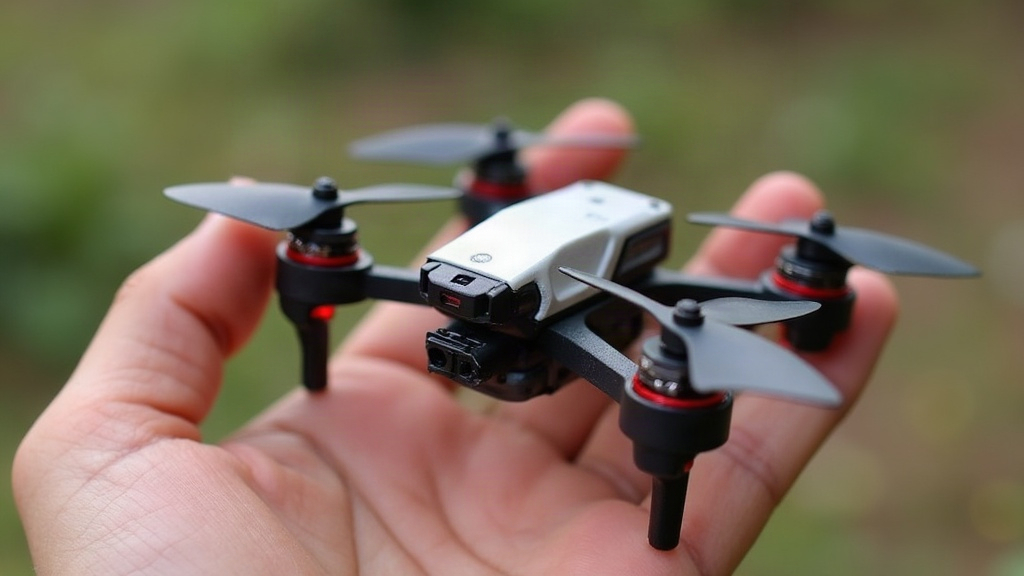
ESC Desync on 4-Inch Long Range Builds: What’s Really Going On
ESC desync on 4-inch long range micro quads happens when an electronic speed controller momentarily loses track of where the motor’s rotor actually is. The result: a sharp jolt, a puff of smoke, or a sudden flip mid-flight, often right when you least expect it. It’s one of the most maddening issues in micro long range builds, mostly because the things that make these quads so efficient (tiny motors, high-pitch props, low-RPM cruising) are precisely what make desync more likely in the first place.
Why 4-Inch Long Range Quads Are Especially Prone to Desync
Long range builds aren’t tuned for punch, they’re tuned for miles per milliamp. That tradeoff brings a few side effects:
- Low cruise throttle (often sitting at 20-35%), where the back-EMF signal is weak and the ESC has a harder time reading rotor position accurately.
- High-pitch, low-KV motor and prop combos that generate more torque ripple at low RPM than you’d see on a freestyle setup.
- Lightweight frames that flex just slightly under load, creating vibration harmonics the ESC can misinterpret as timing signals.
- Long, thin motor wires crammed onto tiny stacks, adding resistance and picking up noise along the way.
Any one of these on its own is rarely a problem. String all four together, though, and you’ve got a recipe for desync, particularly during slow cruising, gentle descents, or a punch-out from low throttle.
Common Symptoms
- A loud “zzzzt” or grinding sound from a motor, followed by a kick in one direction.
- A sudden yaw snap or flip during otherwise calm, level flight.
- Stuttering that only shows up at certain throttle percentages, like clockwork.
- Desync that only kicks in after several minutes of flying, which usually points to a thermal issue.
Step-by-Step Fixes
1. Update and Correctly Configure Firmware
Nine times out of ten, desync on a modern 4-inch build traces back to outdated or mismatched ESC firmware. Worth checking first before you start tearing anything apart.
- Flash the latest BLHeli_32 or AM32 firmware through the configurator.
- Match the motor timing setting to your motor type. Higher KV motors generally want lower timing (Low or Medium-Low), while some long range specific motors actually run smoother on Medium.
- Bump up PWM frequency a notch if you’re running very low KV motors. It smooths out commutation at those crawling RPMs.
2. Dial In Motor Timing Manually
Don’t lean on the default “Auto” timing setting here. It’s fine for freestyle, where throttle is all over the place, but it tends to struggle with the slow-and-steady RPM profile that long range flying demands.
- Start with fixed Low (0-8°) timing for anything under 1700KV.
- Still seeing desync under acceleration? Step up to Medium Low.
- Steer clear of High timing unless you’re running a race-spec build. It raises desync risk at low throttle, which is exactly where long range quads spend most of their flight time.
3. Check Bidirectional DSHOT and Telemetry Settings
A mismatch between FC and ESC protocols is a sneaky, often-overlooked cause of desync.
- Make sure your flight controller firmware and ESC firmware are both speaking the same DSHOT dialect (DSHOT300 tends to be more stable than DSHOT600 on micro ESCs with longer motor leads).
- Try disabling bidirectional DSHOT temporarily to see if it’s adding noise to the system. Some budget 4-in-1 stacks have a shaky bidir implementation that causes more trouble than it solves.
4. Inspect Physical Wiring and Soldering
This is the fix everyone skips, and it’s probably the most common culprit. On 4-inch builds, motor wires run thin (usually 22-26AWG) and longer than you’d find on a 5-inch quad, simply because of arm length and stack placement.
- Re-flow every single motor solder joint. Cold joints create intermittent resistance spikes that look exactly like desync but have nothing to do with tuning.
- Trim motor wires down where you can. Extra length means extra inductance and more noise pickup.
- Twist the three phase wires together to cut down on electromagnetic interference, which matters even more here since the VTX antenna usually sits close by on a long range build.
5. Tune PIDs and Filters for Low-RPM Stability
Filtering settings borrowed from a freestyle tune can end up masking motor noise, which then shows up as desync once you drop to cruising throttle.
- Turn on RPM filtering if your ESC supports bidirectional DSHOT telemetry. Honestly, this is the single best desync preventer available on modern hardware, and if you haven’t enabled it yet, start here.
- Ease off D-term slightly if blackbox logs show high-frequency oscillation right around the throttle range where desync shows up.
- Dig through blackbox motor outputs for erratic spikes just before a desync event. That one detail tells you whether you’re dealing with a tuning problem or a hardware problem.
6. Watch Battery Sag and Voltage
A weak or aging pack sags under load, which starves the ESC of clean power at the exact moment it needs it most for accurate commutation.
- Fly on fresh, well-matched cells rated for the current your build actually draws.
- Scan blackbox logs for voltage dips that line up with when the desync happens. If they match, you’ve found your answer.
When Desync Keeps Happening
Updated the firmware, fixed the timing, checked the wiring, and it’s still happening on one specific motor? Spin that motor by hand. Feel for roughness, grinding, or uneven resistance, any of which could mean a damaged bearing, a bent shaft, or a demagnetized stator. Swap just that one motor out as a test. It’s the cleanest way to rule out a hardware failure versus a tuning issue, and it only takes a few minutes.
Conclusion
ESC desync on 4-inch long range micro quads almost always boils down to a mix of three things: low-RPM commutation struggles, timing mismatches, and the physical wiring weaknesses that come with small, efficiency-focused builds. Start with a firmware update and fixed motor timing, check your solder joints and wiring, then fine-tune RPM filtering and PIDs from there. Work through these steps in order and you’ll clear up the vast majority of desync cases without ever needing to swap hardware.