Understanding Betaflight PID Tuning for a 3-Inch Cinewhoop Build
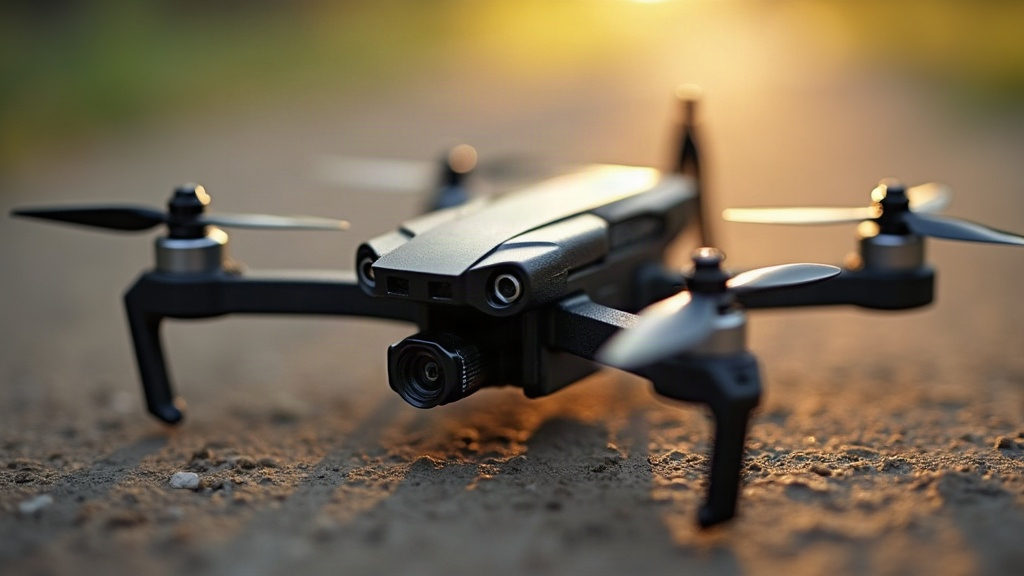
Betaflight PID tuning on a 3-inch cinewhoop really comes down to one thing: finding that sweet spot between cinematic smoothness and sharp enough handling that you’re not fighting the quad every time the wind picks up. A race quad wants to snap instantly to every stick input. A cinewhoop doesn’t. It wants to glide. Keep that distinction in your head before you open the Betaflight configurator, because it’ll shape every decision you make.
Why Cinewhoop Tuning Is Different
A typical 3-inch cinewhoop flies with ducted props, hauls around a heavier camera (think a Naked GoPro or a full-size action cam plus mount), and spends most of its flight time at lower throttle percentages than a freestyle rig would ever touch. That combination changes everything about how the frame reacts to PID changes.
- Higher mass and ducts add inertia. This can actually hide aggressive PID errors from you, but it also dulls responsiveness, so what looks “fine” in the air might still be sloppy on camera.
- Lower RPM flying shifts motor noise into a different frequency band than you’d see on a 5-inch freestyle quad, and that affects which filter settings actually matter.
- Smooth footage is the whole point. Sharp corrections that a race pilot wouldn’t even notice will show up as jello or micro-jitter in your footage, so avoiding them is non-negotiable.
Understanding P, I, and D Before You Touch Anything
Don’t start twisting numbers until you actually know what each term is doing. It’ll save you hours of guesswork later.
- P (Proportional): Reacts to the gap between what you asked the quad to do and what it’s actually doing right now. Too low, it feels mushy and floaty. Too high, you get fast, jittery oscillations, almost a buzzing feel through the stick.
- I (Integral): Corrects error that’s built up over time, which is what keeps the quad locked on attitude when a gust hits or the camera shifts the center of gravity mid-flight. Too low and it drifts in wind. Too high and you get slow, lazy bouncing that feels almost like the quad is “hunting” for level.
- D (Derivative): Dampens how fast things change, so you don’t overshoot after a stick input. Too low, you get bounce-back. Too high, you get high-frequency noise and motors that run noticeably hotter after just a few minutes of flying.
For a cinewhoop, running slightly lower P and D than you would on a comparable freestyle build is pretty standard. You’re not chasing instant snap here. You want fluid, predictable motion, the kind that looks good in a slow dolly-style shot through a doorway.
Starting Point for a 3-Inch Cinewhoop
If this is your first cinewhoop build, resist the urge to just load Betaflight’s default 5-inch-oriented rates preset and call it done. A better starting point looks something like this:
- Drop Master P and D by roughly 10-15% from a typical rates-focused default.
- Leave I-term close to stock. Cinewhoops actually benefit from strong attitude hold, so don’t be tempted to lower it just because you lowered P and D.
- Turn on Anti Gravity, which helps the quad hold altitude steady during quick throttle-induced climbs (handy when you’re ducking through a window frame and need a burst of power).
- Dial in TPA (Throttle PID Attenuation) so P and D back off at high throttle. This stops oscillation during punch-outs, which is exactly when ducted props tend to get twitchy.
Filter Settings Matter As Much As PID
A lot of beginners spend all their time chasing PID numbers and completely ignore filters. On a ducted 3-inch build, that’s a mistake, because filtering is doing just as much heavy lifting as your PID values.
- Gyro lowpass filter: Keep it dynamic. Betaflight’s default RPM filtering (if you’re running bidirectional DShot) cuts motor noise without adding noticeable latency, which matters a lot when your whole goal is responsive-but-smooth.
- D-term lowpass filter: Run a slightly lower cutoff than you would on a race quad. Cinewhoops don’t need razor-sharp D response, and a lower cutoff helps keep footage clean.
- RPM filtering: If your ESCs support bidirectional DShot, turn it on. It cleans up the noise caused by duct-induced turbulence dramatically, letting you run a tighter D-term without piling on extra filtering latency to compensate.
Step-by-Step Tuning Process
- Start conservative. Fly first with slightly reduced PID values, just to confirm the thing is safe to fly before you push anything.
- Check for prop wash. Drop the throttle quickly and descend, watching for a bounce or wobble. That’s prop wash, and it’s especially common on ducted setups. A small D bump or an Anti Gravity tweak usually settles it.
- Pull up Blackbox logs. Record a flight, then look at gyro versus setpoint traces in PID Toolbox or Betaflight’s blackbox explorer. If oscillations get worse as throttle increases, P is too high. If they show up regardless of throttle level, that’s usually D running hot.
- Tune P first, then D, then I. Change exactly one value per flight and re-test. Yes, it’s slower. It’s also the only way to actually know what fixed what.
- Fine-tune for smooth footage. Once the flight itself feels stable, start making tiny adjustments aimed purely at how smooth the camera feed looks, not at how sharp the sticks feel in your hand.
Common Cinewhoop Tuning Mistakes
- Copying a race quad’s tune wholesale. Ducts change the aerodynamics enough that this almost never works out well.
- Ignoring motor temperature. Too much D, or too little filtering, cooks motors fast in the tight, low-airflow spaces cinewhoops often fly through.
- Adding a heavier camera payload and forgetting to recheck your throttle PID attenuation settings.
- Skipping blackbox analysis and tuning “by feel” instead, which usually just means chasing the same oscillation around in circles without fixing the actual cause.
Conclusion
Tuning a 3-inch cinewhoop in Betaflight isn’t about squeezing out more aggression. It’s about locking in stability and getting that buttery, floating motion that makes footage look genuinely cinematic. Start a notch below standard P/D presets, keep the I-term strong for attitude hold, lean on RPM filtering if your ESCs support it, and check every change against blackbox logs instead of flying by gut feeling. Be patient, make one change at a time, and your first cinewhoop build can produce footage that actually looks like it came from a much more expensive rig.